
CRM and billing for service businesses
One workspace for contacts, services, invoices, and direct billing.
BizBilling helps businesses manage customer records, track service pricing, and send invoices through Stripe, Square, or direct invoice flows without adding tax complexity.
Features
Everything BizBilling brings together
Business contact management
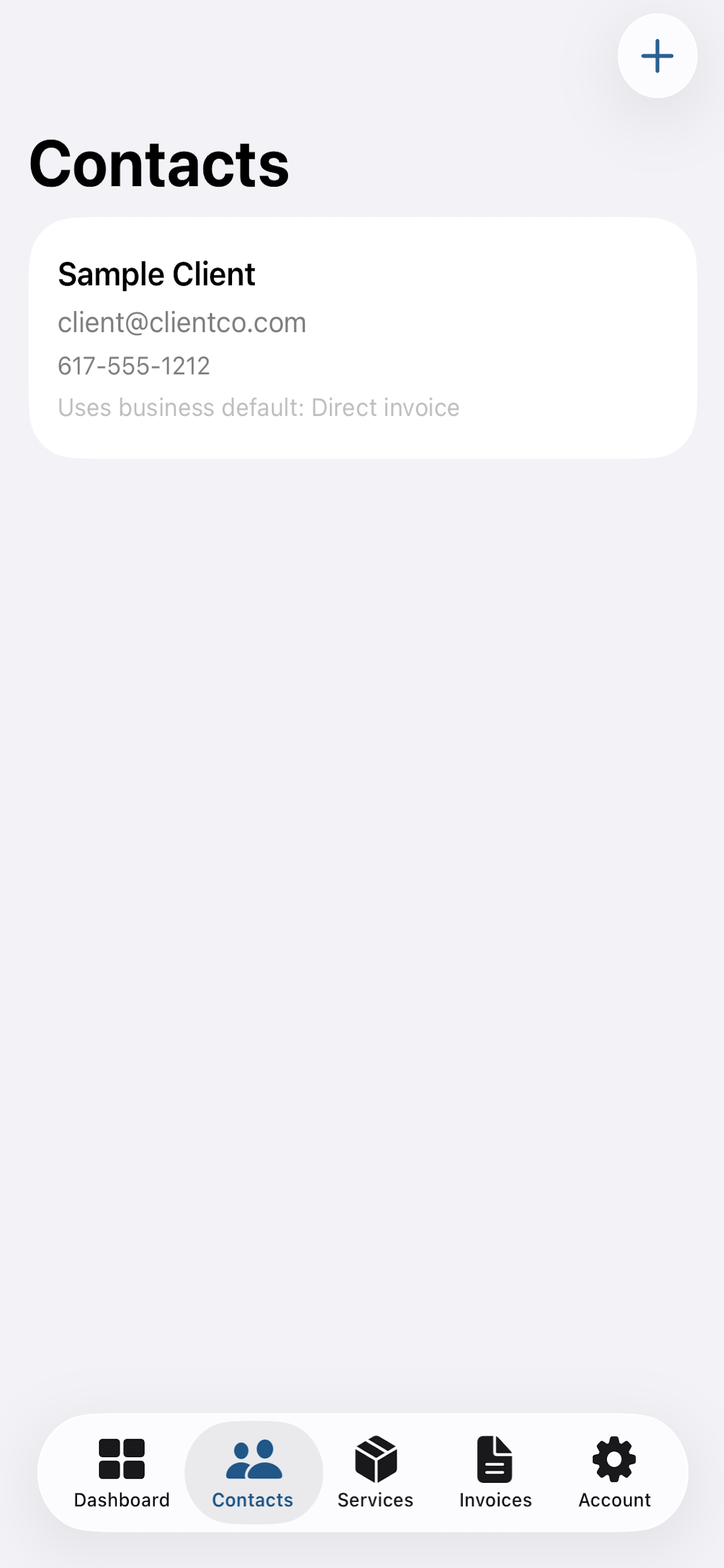
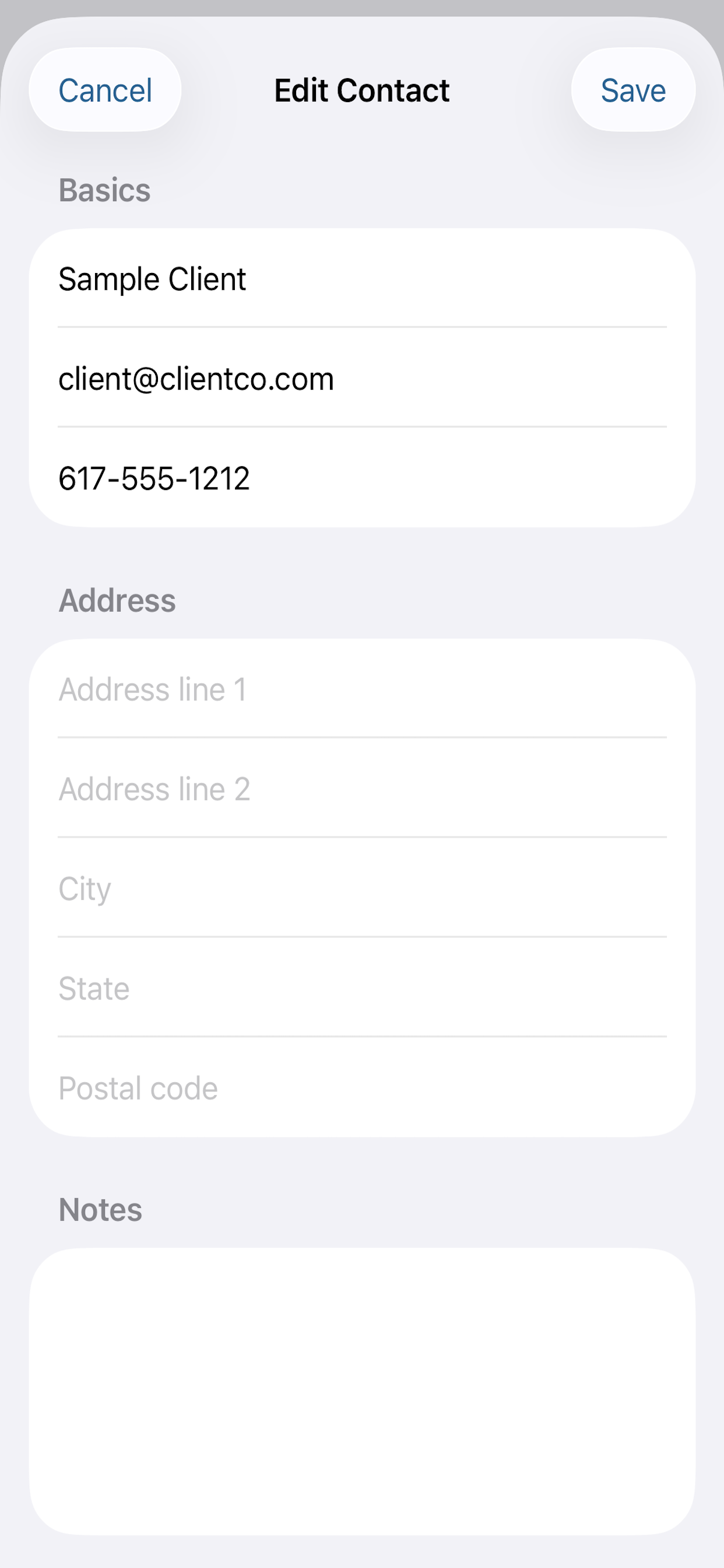
Store names, emails, phones, addresses, notes, and business-specific billing defaults for every contact.
Service catalog and pricing
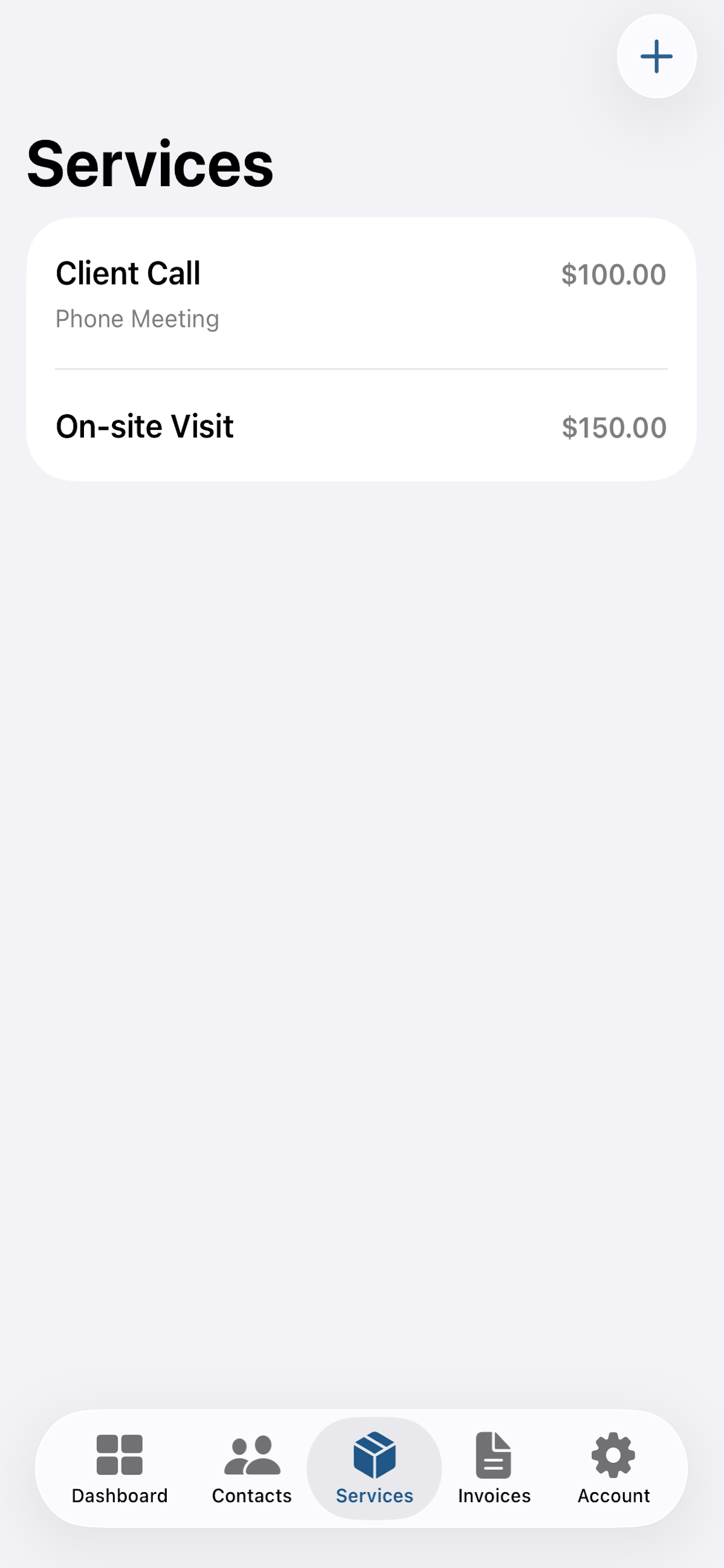
Create reusable services, set prices, and prefill default services on new invoice drafts.
Draft to send workflow
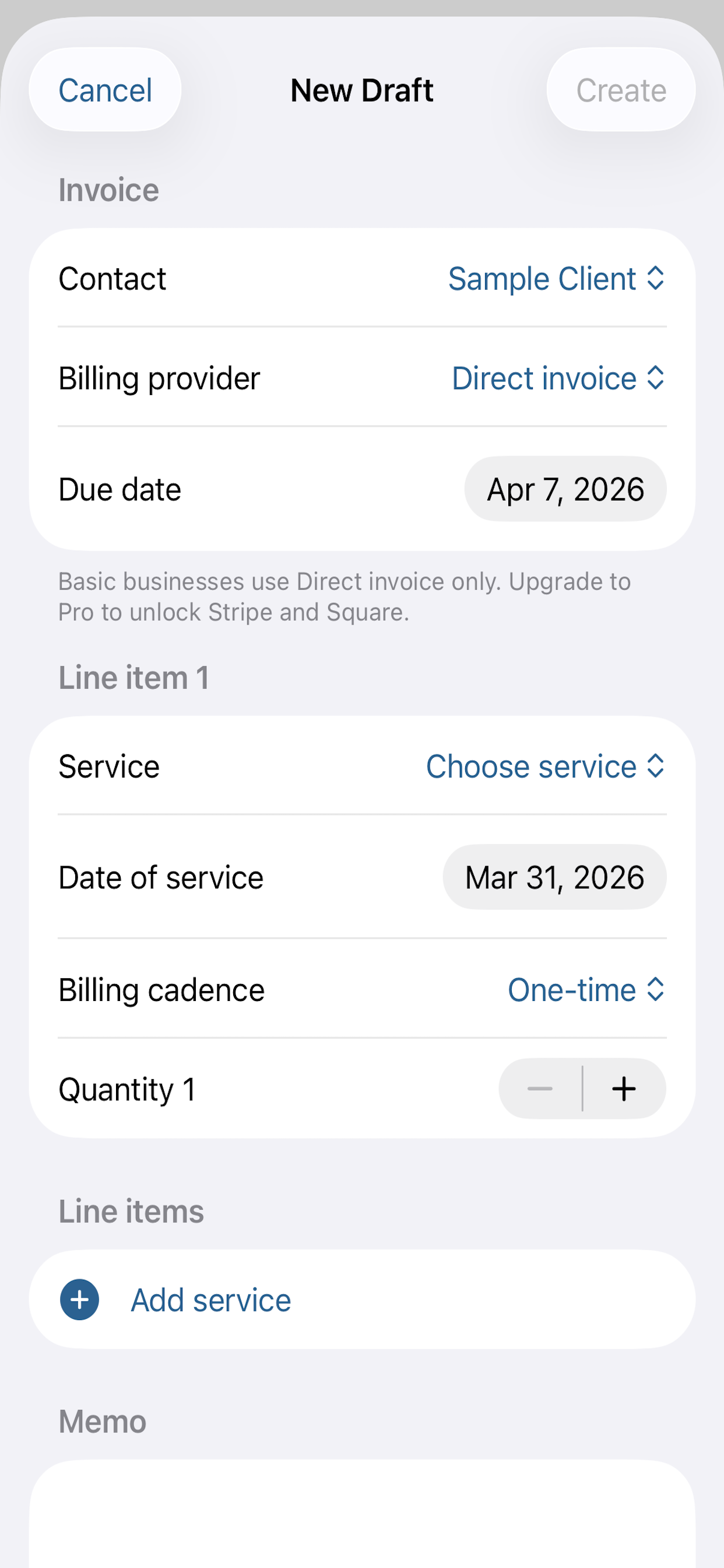
Create invoices without immediately sending them, revise drafts, then send when the details are right.
Direct invoice payments
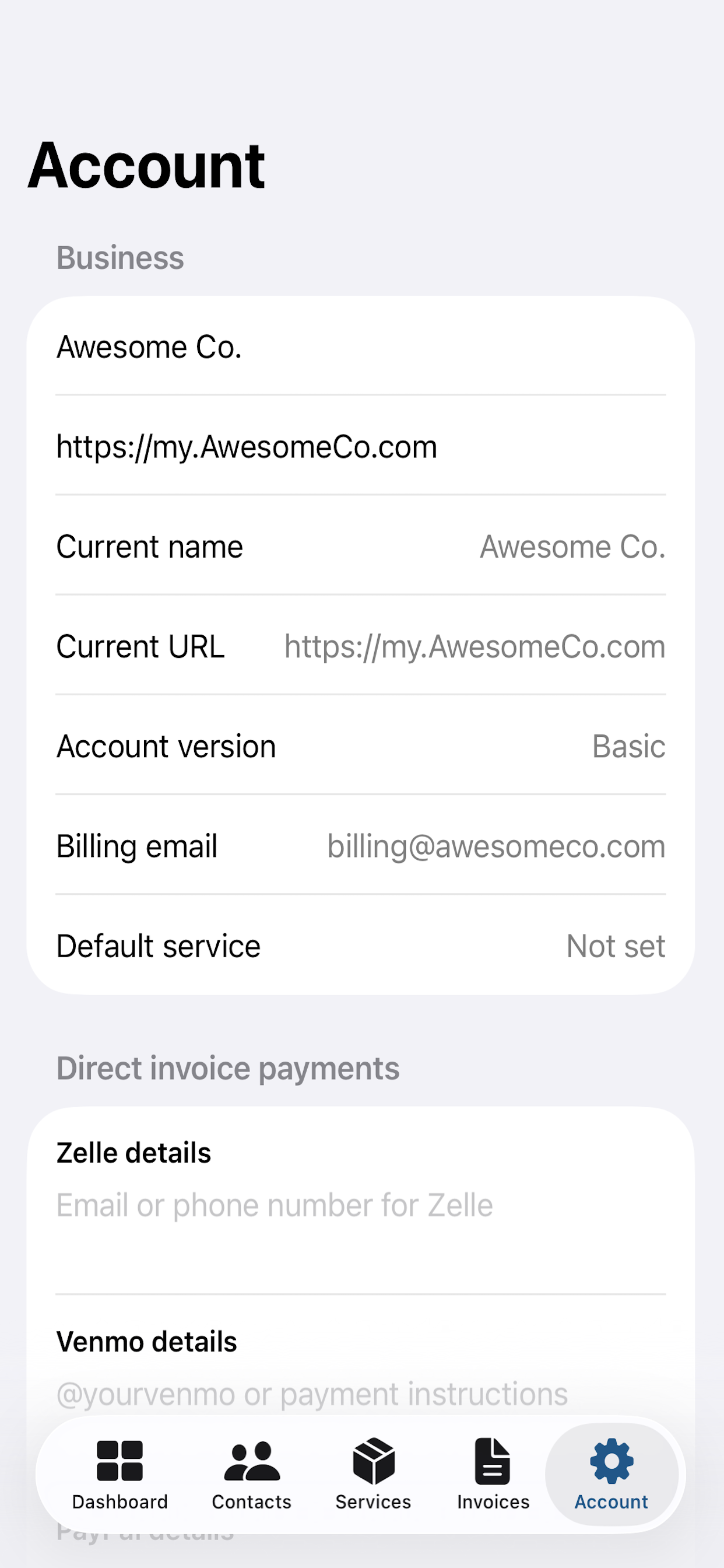
Send direct invoice emails through BizBilling with private payment instructions for Zelle, Venmo, Apple Pay, and Google Pay, then mark invoices paid or uncollectible with notes.
Provider-backed billing
Upgrade to Pro to connect Stripe or Square, sync invoice activity back into the dashboard, and keep payment history current automatically.
Owner and admin access
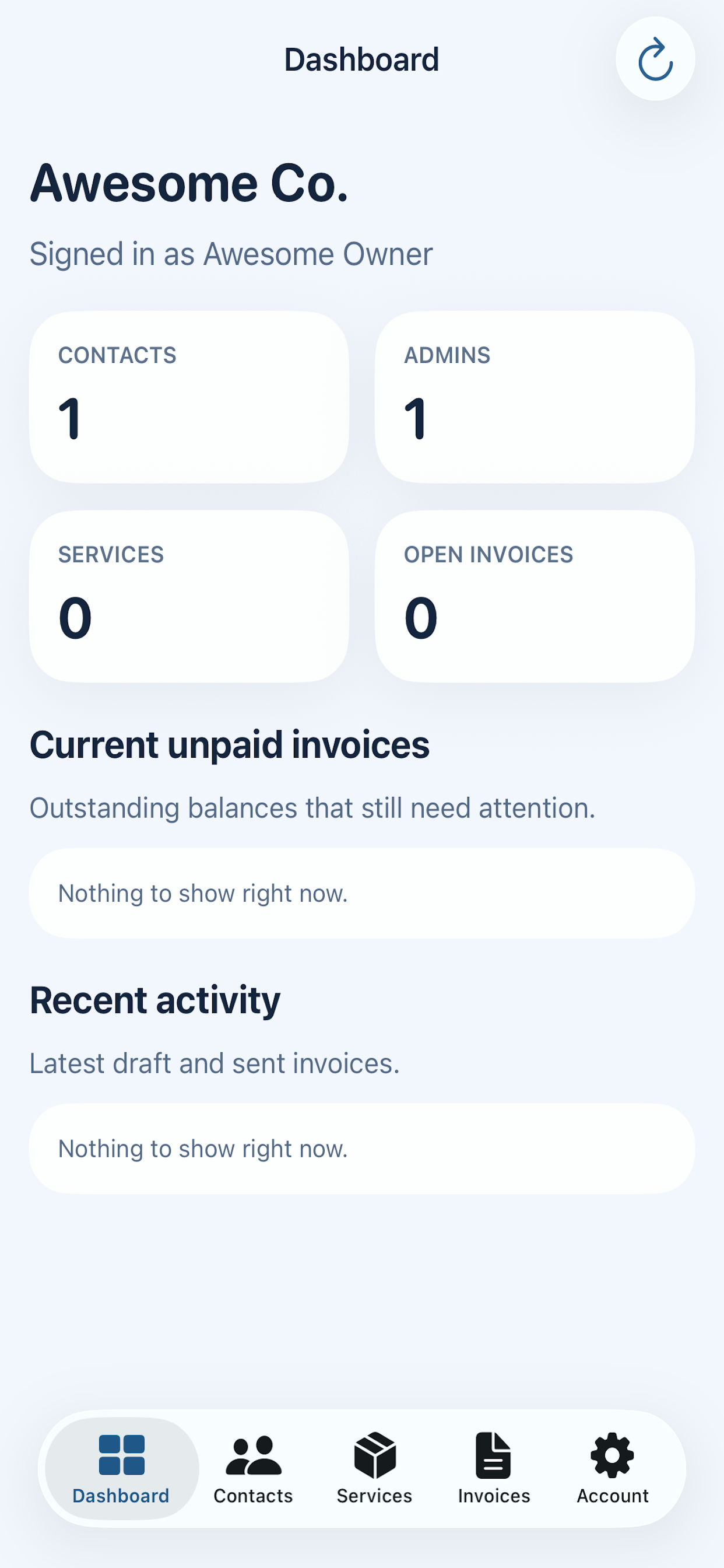
Each tenant gets dedicated admins, owner controls, settings, branding, and mobile access.
Screenshots
See BizBilling in action before you sign up
These screens show the actual flow your team uses every day, from the account dashboard to contacts, services, invoices, and business settings.
BizBilling Pro
Built for teams that need more than basic invoicing
BizBilling Pro keeps the workflow lightweight while adding the features growing service businesses actually ask for: reporting, bulk client imports, and synced billing visibility.
Monthly payment reporting
See what was collected this month, how many invoices were paid, average payment size, open balances, and a 12-month breakdown by billing source.
Bulk client import and export
Upload a CSV to add or update contacts in bulk, set a default billing option per client, and export the same format back out whenever your team needs it.
Shared billing visibility
Keep direct invoices, Stripe, and Square activity in one place so admins can see paid dates, manual payment notes, and what still needs attention.
Testimonials
Ready for real customer stories
This section is set up for short, high-trust quotes from real BizBilling customers. Replace the placeholder copy below with launch feedback as it comes in.
“Replace this with a real quote about how BizBilling made invoicing faster, simpler, or easier to manage week to week.”
“Replace this with a real quote about moving away from a larger platform and keeping contacts, services, and billing in one place.”
“Replace this with a real quote about the mobile app, direct invoices, or how quickly a team member can learn the workflow.”
How it works
From setup to invoice delivery
Set up the business
Create your business account, add admins, upload branding, and configure your preferred billing defaults.
It's that simple.
Add contacts and services
Keep your customer list current and build a service catalog you can reuse for all your clients.
Send invoices your way
Use private direct invoice emails for offline payment collection, or send through Stripe and Square with Pro for synced payment history, reporting, and cleaner follow-up.
Mobile
The same BizBilling account works on iPhone too.
The iOS app creates seamless intergration, so business admins can sign in, manage contacts, review invoices, and work when you're on the go.
Ready to start?
Launch your BizBilling workspace.
Open the app, create a business account, and start organizing contacts, services, and invoices from one place.